I’d start with DataBull if you’re replacing DataFast and want a one-time, self-hosted revenue attribution tool. Umami is another option for open-source analytics, with payment integrations advertised for Umami Cloud; I’d consider Grosslytics when reporting after estimated gateway fees and supplied ad spend matters. Your payment integrations and reporting needs should carry more weight than the headline price.
Key takeaways
- DataBull charges $49 once for self-hosting and supports Stripe, Polar, Dodo and Creem attribution; infrastructure costs remain separate.
- Umami offers a free hosted plan with 100,000 monthly events. Its plan comparison lists managed integrations starting at Pro.
- Grosslytics lists hosted analytics at $5.99/month for 100,000 events, free self-hosting with a footer credit, and an optional $29 Lifetime license.
- Revenue attribution, revenue after gateway fees and business net profit are different measurements; choose the one your decision requires.
How did we choose these DataFast alternatives?
We prioritized a founder’s ability to replace revenue attribution, control recurring costs and choose where the data runs.
Grosslytics is our product. We grouped the options by where they run and how they connect payments to visits. The comparison draws on vendor documentation and the screenshots show public demos or product previews. The migration section includes results from two local Grosslytics tests.
For context, DataFast’s Payments API documentation lists direct integrations for Stripe, Paddle, Polar, Shopify, WooCommerce and existing Lemon Squeezy stores, plus an API for custom payments. Shopify and WooCommerce users should verify that a replacement can attribute store orders before switching.
DataFast normally continues tracking after an account hits its event limit and locks the dashboard. With Pause tracking at limit enabled, the dashboard stays accessible, but new visits, goals and attribution pause. Compare that choice with how a replacement handles traffic spikes.
Which alternative fits your payment stack and budget?
DataBull fits one-time self-hosted attribution, while the other options trade operational responsibility against managed features and implementation work.
Prices below are USD; recurring amounts use monthly billing where stated. A free software license does not include infrastructure or maintenance, and pageviews are not interchangeable with events.
| Alternative | Best fit | Price and included usage | Payment or revenue path | Hosting |
|---|---|---|---|---|
| 1. DataBull | One-time revenue attribution | $49 once; self-hosted license has unlimited events; infrastructure separate | Stripe, Polar, Dodo, Creem | Own Cloudflare account; hosted beta also available |
| 2. Umami | Open-source control | Self-hosted software free; Cloud Hobby $0 for 100k events/month, one website; managed integrations from $20/month on Pro | Revenue events or eligible Cloud payment integrations | Self-hosted or cloud |
| 3. Grosslytics | Revenue after fees and ad spend | Cloud $5.99/month for 100k events; free self-hosting with footer credit; optional $29 Lifetime | Payment webhooks; estimated fees and supplied ad spend | Cloud or self-hosted Cloudflare |
| 4. Seline | Managed revenue and visitor journeys | $9/month at 10k events; $24/month at 100k | Stripe, Polar or custom revenue events | Managed service |
| 5. Plausible | Privacy-oriented web and ecommerce analytics | Check traffic tier and revenue-feature eligibility | Purchase events through supported checkout patterns or Events API | Cloud; Community Edition is a separate self-hosted offering |
| 6. PostHog | Product behavior alongside revenue | 1M analytics events/month free; other products have separate allowances | Revenue events and payment-platform data | Managed cloud evaluated here |
| 7. Simple Analytics | A straightforward traffic dashboard | Free hobby plan with one month of history; see paid pricing for your traffic | Evaluate separately if payment attribution is essential | Managed service |
Sources and material limitations are linked in each entry below. None of these prices establishes which tool will reproduce your existing attribution without changes.
What are the seven DataFast alternatives for SaaS founders?
The useful shortlist starts with your hosting preference and payment integration, then narrows by the metric you need.
1. DataBull — best fit for one-time self-hosted attribution
DataBull is our first recommendation when the goal is to stop paying a recurring software subscription while retaining payment-to-source attribution. Its $49 self-hosted license supports unlimited websites and events, with Stripe, Polar, Dodo and Creem integrations.
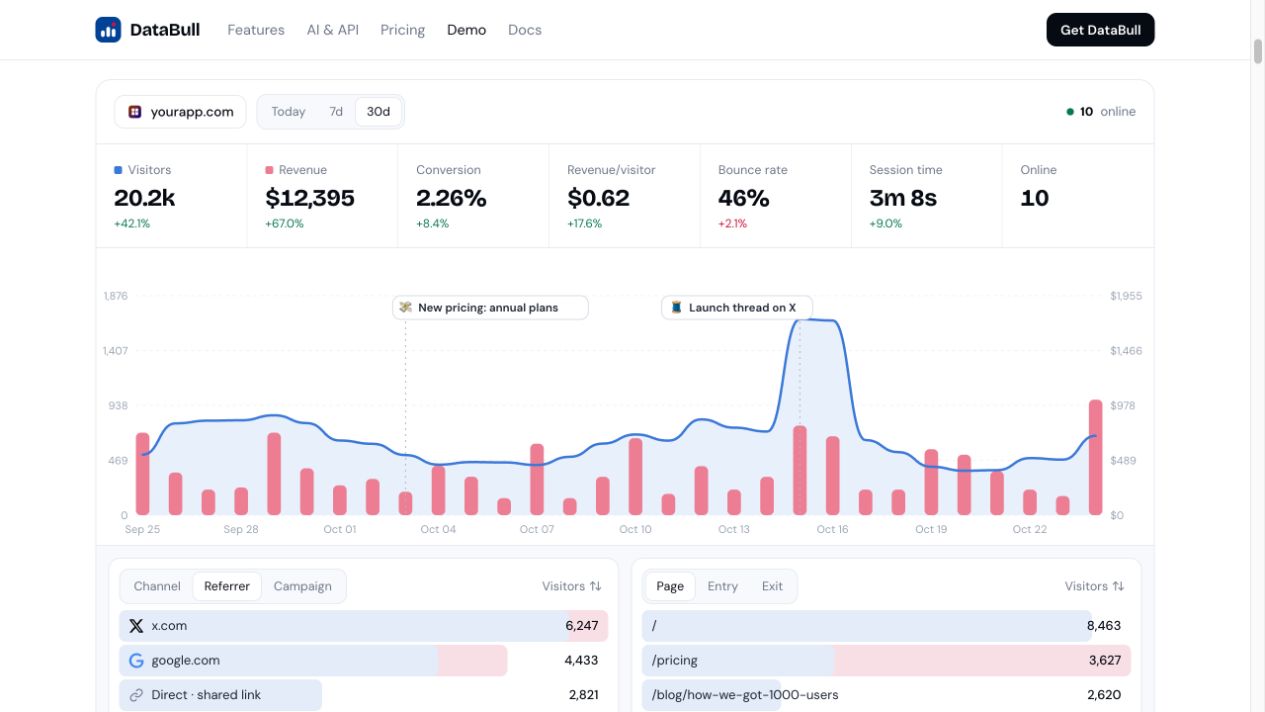
It runs on your Cloudflare account, so ongoing infrastructure usage still matters. The product is proprietary: buying a self-hosted license does not provide its source code.
Choose it when those gateways cover your business and you are comfortable operating the deployment. Its advertised revenue attribution should not be treated as evidence of complete net-profit accounting. Source: DataBull product and pricing.
2. Umami — best fit for open-source control
Umami fits founders who want open-source analytics, while Umami Cloud also advertises managed payment integrations. Its event-based revenue documentation remains relevant for custom instrumentation.
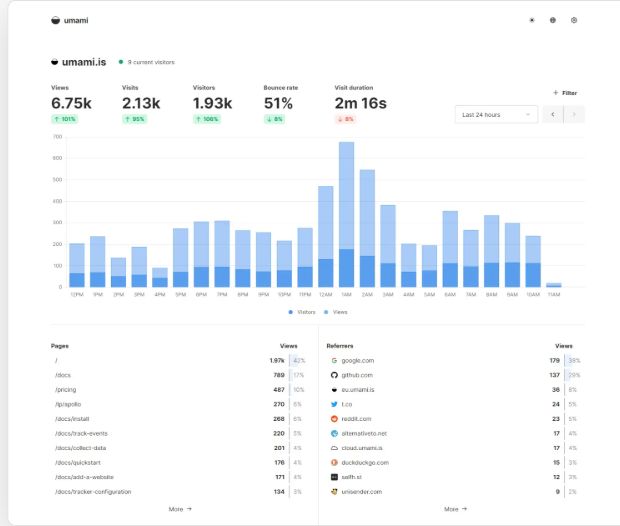
The hosted Hobby plan includes 100,000 events per month for one website and six months of retention; Pro lists $20/month with one million events included. Self-hosting requires your own server and PostgreSQL, with installation options including Docker.
Umami Cloud advertises payment and refund sync for Stripe, Paddle, Polar, Dodo Payments, WooCommerce and Lemon Squeezy. The vendor’s pricing table lists integrations from Pro upward. For self-hosting, review the custom revenue event workflow and check how it links a purchase to a visitor. Sources: Cloud payment integrations, pricing, revenue events and installation.
3. Grosslytics — best fit for comparing revenue after fees and ad spend
Grosslytics fits a narrower question: which acquisition channels leave more revenue after gateway fees and the ad spend you provide? It offers gross, net and profit display modes; the last subtracts fees and entered or CSV-imported ad spend.
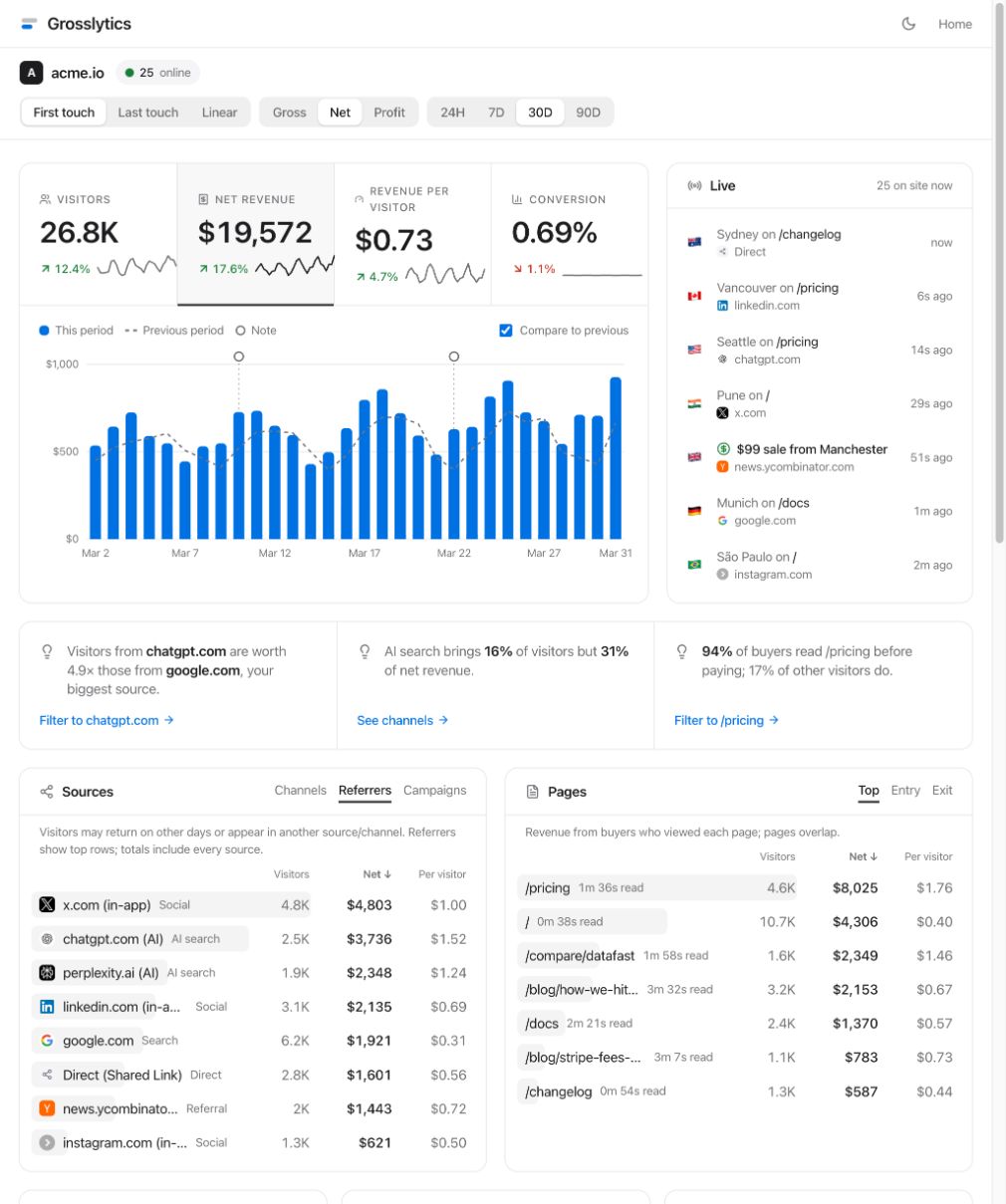
The product page lists $5.99/month for 100,000 hosted events and an optional $29 Lifetime license for installation, support and a commercial license. The free self-hosted dashboard requires a “Powered by Grosslytics” link, and Cloudflare usage is separate. See the Grosslytics plan terms.
Its webhook handlers cover Stripe, Razorpay, Polar, Paddle, Lemon Squeezy, Cashfree, Gumroad, PayPal, Dodo Payments and RevenueCat. Lemon Squeezy is closed to new sign-ups and plans to stop processing payments on March 31, 2027. Check the Lemon Squeezy migration guide if you still use it.
There are material limits: Stripe fees are estimated using a configured schedule, supplied ad spend must be kept current, and the displayed profit excludes costs such as payroll and hosting. Grosslytics handles full Stripe refunds. Reconcile partial refunds separately. Sources: Grosslytics product details, payment setup documentation and self-hosting documentation.
4. Seline — best fit for managed revenue tracking and visitor journeys
Seline is a candidate for founders who want managed revenue tracking alongside visitor profiles, journeys and funnels. It documents Stripe and Polar connections as well as custom revenue events.
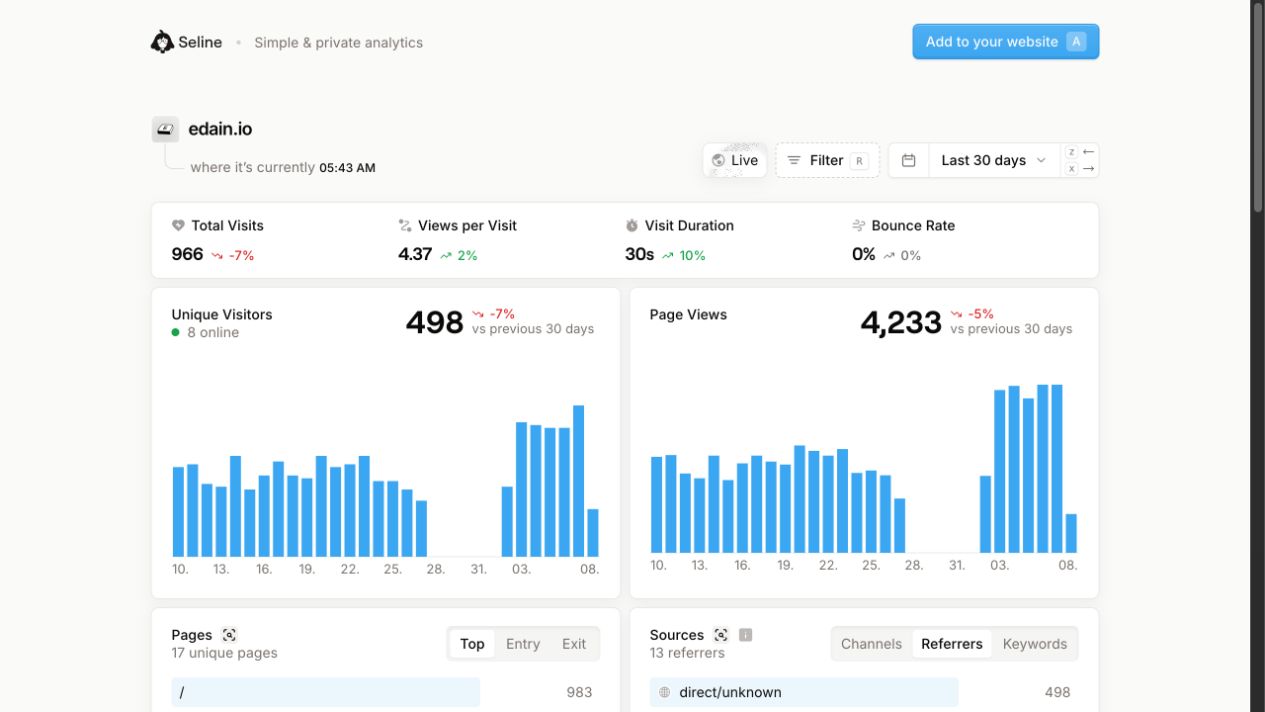
Monthly pricing starts at $9 for 10,000 events and reaches $24 for 100,000; pageviews and custom events share the allowance. It therefore remains a volume-priced subscription, which may not solve your main reason for leaving DataFast.
Choose it when the managed workflow is worth a recurring event-based bill. Sources: pricing, revenue integrations.
5. Plausible — best fit for privacy-oriented web and ecommerce analytics
Plausible fits teams prioritizing simple web analytics with purchase attribution. Its documentation covers revenue goals, WooCommerce, Shopify and checkout-success patterns for Stripe, Paddle, Lemon Squeezy and Polar.
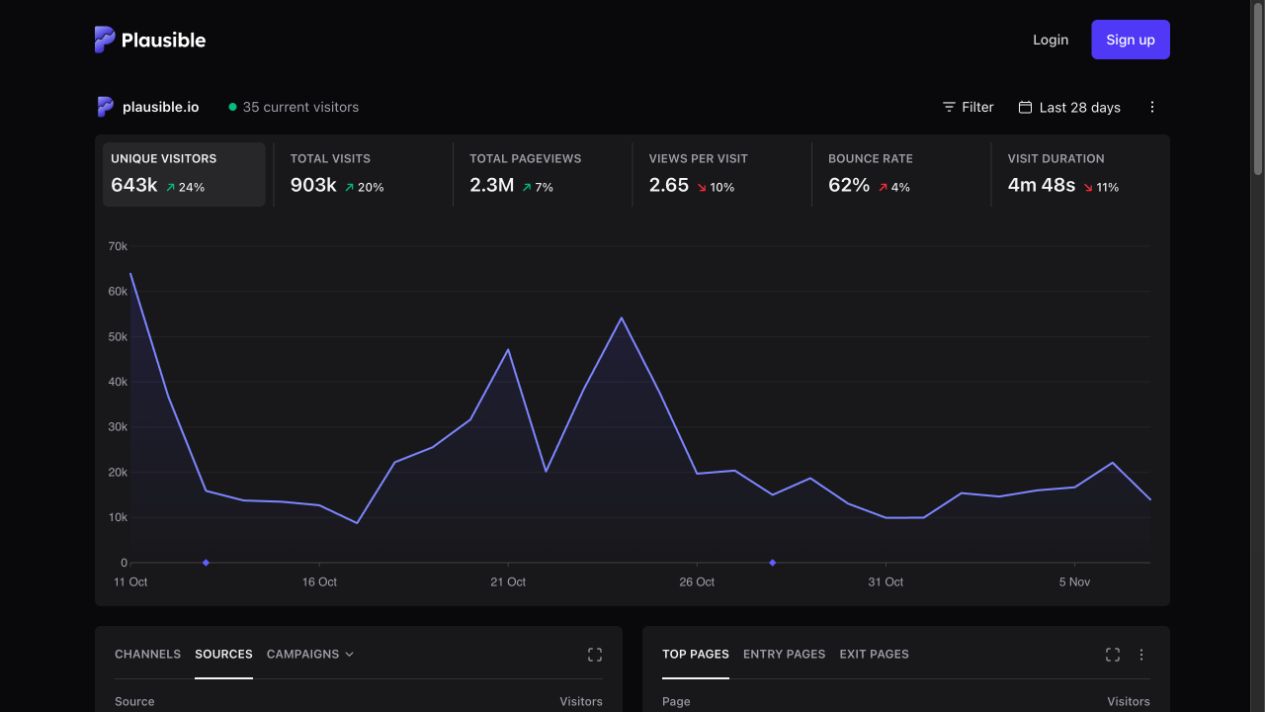
That differs from matching asynchronous payment webhooks to historical visitors: Plausible explicitly documents that payment-provider webhooks cannot be linked to the visit that led to payment. Check the traffic tier and revenue-feature eligibility before buying; the self-hosted Community Edition also needs a separate feature review.
Choose it when purchase events and website reporting cover the decision you need to make. Sources: product overview, revenue and attribution documentation.
6. PostHog — best fit for product analytics alongside revenue
PostHog fits founders who need product behavior analysis as well as revenue data. Its pricing lists one million free analytics events per month, but data sources and other products have their own allowances.
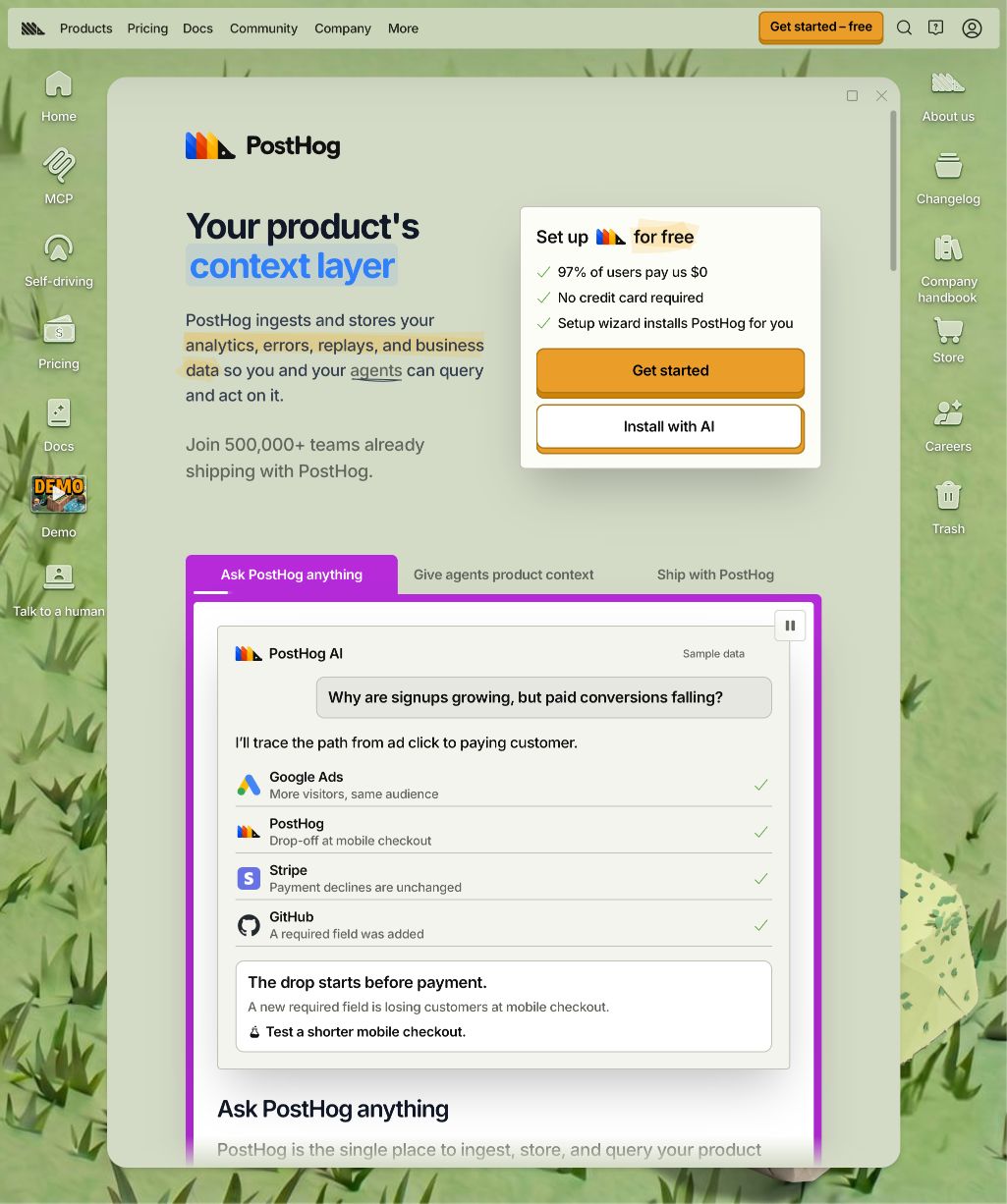
The current revenue documentation says its dedicated Revenue analytics dashboard has been removed; revenue properties remain available through insights, SQL, managed views and profiles. Expect to configure the view your business needs rather than assume a ready-made DataFast replacement.
Choose it when building that reporting is useful work for your team. Sources: pricing and allowances, current revenue analytics behavior.
7. Simple Analytics — best fit when you mainly need traffic reporting
Simple Analytics belongs on the shortlist if your main requirement is a website traffic dashboard. Its pricing page lists a free hobby option with one month of history and a badge requirement. Use the current pricing calculator for your paid traffic tier.
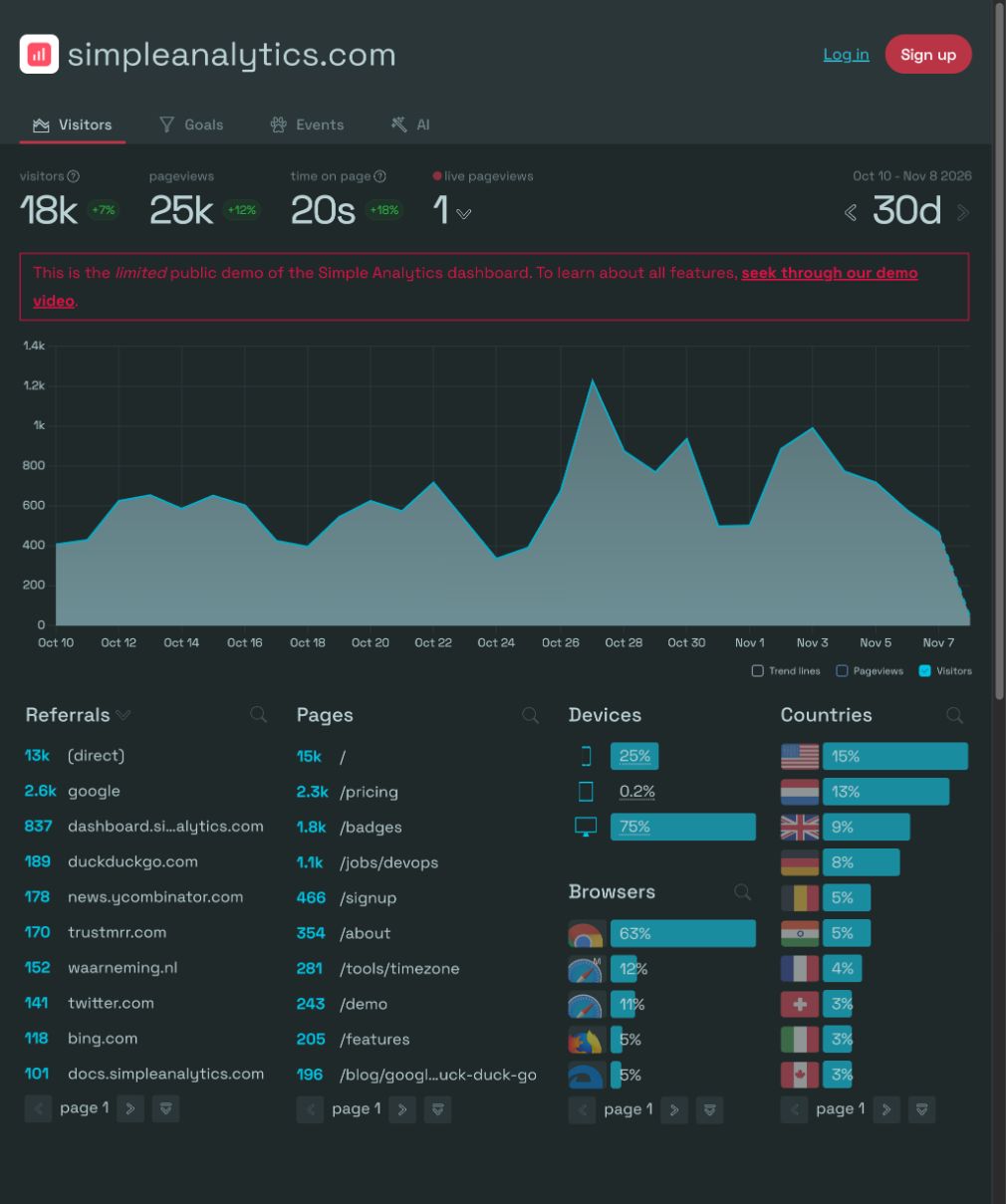
Its pageview allowance cannot be compared directly with another tool’s combined pageviews-and-custom-events allowance. If payment attribution is essential, validate that workflow before choosing it on dashboard simplicity alone. Source: Simple Analytics pricing.
How should you compare event pricing fairly?
Compare the bill for your actual event mix, billing cadence and required features.
For a hypothetical month with 80,000 pageviews and 20,000 custom events, a tool that counts both records at least 100,000 events. Seline lists $24 monthly at that threshold, and Grosslytics lists $5.99 with a 100,000-event limit. Umami’s free allowance can fit basic tracking at that volume. If you need its managed payment integrations, budget for Pro instead.
Plan limits also affect what data you keep during a spike. DataFast’s default locks the dashboard and keeps collecting. The Grosslytics hosted plan stops recording new events at its limit and retains existing data. DataBull’s hosted billing docs say tracking continues above the allowance and payment events do not count toward it.
That arithmetic is a plan comparison, not a claim that the implementations are equivalent. Instrumentation can change how many events each tool records, and a self-hosted license adds infrastructure and operating work.
Before choosing, price:
- Your normal month and a traffic-spike month.
- The revenue, retention and team features you actually need.
- Infrastructure, backups and maintenance if self-hosting.
- What happens to ingestion and dashboard access above the allowance.
What is the difference between attributed revenue and net profit?
Attributed revenue connects sales to a source; subtracting gateway fees and ad spend still does not calculate complete business net profit.
Consider an illustrative channel with 100 payments of $100 each, a hypothetical fee schedule of 2.9% plus $0.30 per payment, and $2,000 in ad spend. This is a worked example, not a statement of your processor’s actual charges.
You can reproduce it with this calculation:
payments = 100
gross = payments * 100 = 10000
fees = payments * (100 * 0.029 + 0.30) = 320
remaining = gross - fees - 2000 = 7680
| Calculation | Amount |
|---|---|
| Gross revenue: 100 × $100 | $10,000 |
| Estimated fees: 100 × ($100 × 2.9% + $0.30) | $320 |
| Revenue after estimated fees: $10,000 − $320 | $9,680 |
| Less supplied ad spend | $2,000 |
| Remaining after fees and ad spend | $7,680 |
That $7,680 excludes hosting, payroll, support and other business costs, and assumes no refunds or chargebacks. Reconcile estimated fees with actual settlement records before making financial decisions.
What should you validate before replacing DataFast?
Validate that the replacement attributes a real payment correctly and handles the lifecycle events your business uses.
Use this migration check:
- Define a campaign URL and follow a visitor through signup and checkout.
- Confirm the payment reaches the intended source with the correct amount and currency.
- Test a renewal, a full refund and a partial refund separately.
- Compare identical dates, time zones and attribution models.
- Confirm export, retention and over-limit behavior before removing the old tracker.
What carries over when you switch from DataFast to Grosslytics?
In local repository tests on November 21, 2026, Grosslytics recorded a goal from an existing data-fast-goal attribute and read metadata.datafast_visitor_id from a signed sample Stripe event. The tests checked these two code paths. They did not move historical DataFast visits or exercise a live checkout.
For server-created Stripe checkouts, check where your app reads the ID. If it reads the old DataFast cookie, pass the new Grosslytics visitor ID from localStorage.getItem('gl_vid') to your checkout endpoint. Grosslytics accepts that value in the existing metadata key. Follow the tracker migration instructions and Stripe checkout guide.
Use a separate staging page for the Grosslytics checkout test. Its tracker exposes a window.datafast compatibility function and decorates eligible checkout links, so loading both scripts on one page can affect which tracker receives a goal or which visitor ID reaches Stripe.
Frequently asked questions
What is the best DataFast alternative for self-hosting?
DataBull is our first pick for a one-time self-hosted attribution tool if Stripe, Polar, Dodo or Creem covers your payments. Umami offers open-source control and advertises payment integrations in its Cloud product; Grosslytics is another option when estimated fees and supplied ad spend matter.
Is there a free DataFast alternative?
Umami offers open-source self-hosting and a hosted Hobby plan with 100,000 monthly events for one website. PostHog lists one million free analytics events monthly, while Grosslytics can be self-hosted from source; infrastructure, feature limits and implementation work still matter.
Does revenue tracking automatically include gateway fees and ad spend?
No. Check how each tool defines revenue, where fees come from and how ad spend is supplied. Grosslytics subtracts stored gateway fees and provided ad spend in its profit mode, but that measure is not complete business net profit.
Can I keep my existing DataFast data?
Export the DataFast reports you need before cancelling. Grosslytics can import past Stripe payments with their original dates. Payments without a matching visit appear as Unattributed, so keep the old source reports for historical comparisons.