I recommend checking the payment payload first when connecting Razorpay revenue to a traffic source: the Grosslytics handler needs the visitor ID in Standard Checkout payment notes and a verified payment.captured event. Passing an ID on the order alone is not enough if it never reaches the payment event. Automatic Payment Link decoration, subscription renewal classification and INR/USD conversion are not implemented in the current handler.
Key takeaways
- Use notes on the actual payment path; order notes alone do not establish that the payment webhook carries the visitor ID.
- Grosslytics reads payment.captured, not an authorized payment or a successful browser callback.
- Subscription and Payment Link flows need their own payload validation; the current Razorpay extractor marks every payment as a new sale.
- Configure INR reporting for INR charges. Grosslytics rejects mixed currencies and estimates fees rather than converting payouts.
What does Razorpay revenue attribution connect?
It connects a recorded website visit to a captured payment using an identifier in the payment entity’s notes.
The examples follow Razorpay’s documentation and the Grosslytics implementation. Before relying on them for live payments, run a test transaction and check the webhook payload you receive.
The supported path described here is Razorpay Orders with Standard Checkout, followed by payment.captured. A provider offering subscriptions does not mean every analytics integration implements subscription-aware reporting.
Before changing checkout:
- Create your Grosslytics site through setup.
- Select INR reporting if you charge INR.
- Install the tracker on your landing and pricing pages.
- Keep your existing server order creation and payment verification flow.
- Prepare a test-mode Razorpay transaction.
Step 1: How do you capture the visitor and campaign?
Install the tracker and send marketing links to your tracked website before starting payment.
<script defer src="https://grosslytics.com/g.js"
  data-site-id="YOUR_SITE_ID"></script>
<script src="https://checkout.razorpay.com/v1/checkout.js"></script>
Use a campaign URL you control, for example:
https://your-site.example/pricing?utm_source=newsletter&utm_medium=email&utm_campaign=saas-launch
Read localStorage.getItem(‘gl_vid’) in the browser after tracker initialization. If storage or tracking is unavailable, continue the purchase without inventing an attribution ID; the payment may remain unattributed.
The tracker documentation explains domains, Content Security Policy and self-hosting. This identifies observed traffic; it does not prove which marketing contact caused a purchase.
Step 2: Where should notes.visitor_id be attached?
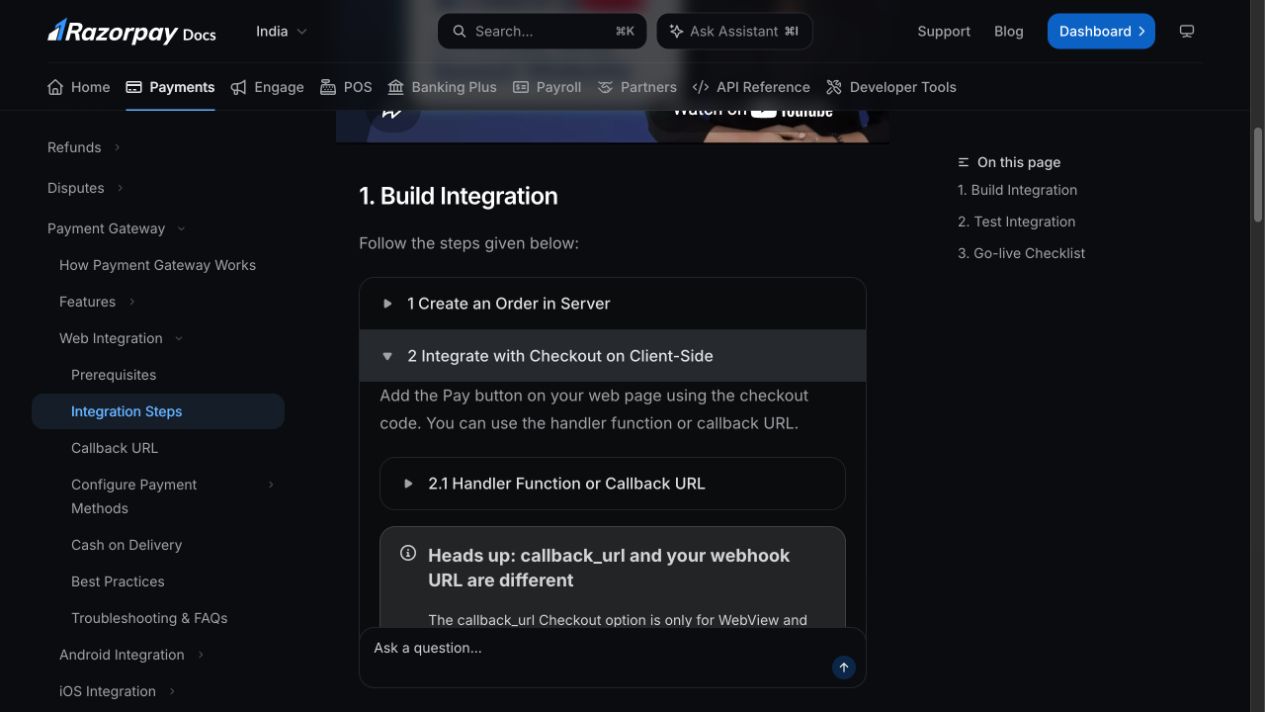
Carry the ID through your server-created order and explicitly include it in the Standard Checkout payment notes.
Razorpay supports notes on the order and on Checkout payment options, but Grosslytics reads payload.payment.entity.notes.visitor_id. Do not assume an identifier placed elsewhere will be fetched or copied by the analytics handler. Sources: Orders API and Standard Checkout integration.
Inside your existing authenticated server endpoint, use your initialized Razorpay SDK client and a server-selected price:
// Server only: body comes from your validated checkout request.
const visitorId = typeof body.visitorId === 'string'
  && /^[A-Za-z0-9_-]{1,200}$/.test(body.visitorId)
  ? body.visitorId : null;

const order = await razorpay.orders.create({
  amount: 50000, // 500 INR, in paise; choose the real price on the server.
  currency: 'INR',
  receipt: crypto.randomUUID(),
  notes: visitorId ? { visitor_id: visitorId } : {}
});
// Return id, amount and currency using your framework's response handler.
// Expose only your public key ID to the browser, never the secret key.
The browser sends its visitor ID to that endpoint and opens Checkout using the returned order. Keep your existing verified payment-success handler; the example adds attribution fields, not a replacement authorization or fulfillment system.
// Browser: run after tracker and Razorpay Checkout have loaded.
let visitorId = null;
try { visitorId = localStorage.getItem('gl_vid'); } catch {}

const response = await fetch('/api/create-razorpay-order', {
  method: 'POST',
  headers: { 'content-type': 'application/json' },
  body: JSON.stringify({ visitorId })
});
if (!response.ok) throw new Error('Unable to create an order.');
const order = await response.json();

const checkout = new Razorpay({
  key: 'YOUR_PUBLIC_RAZORPAY_KEY_ID',
  order_id: order.id,
  amount: order.amount,
  currency: order.currency,
  notes: visitorId ? { visitor_id: visitorId } : {},
  handler: existingVerifiedPaymentHandler
});
checkout.open();
Confirm the captured payment actually carries the note. Your trusted server still decides the amount and verifies payment success; analytics metadata is not a reason to grant access.
Step 3: Which webhook should update the revenue report?
Configure payment.captured to deliver to the Razorpay endpoint and save the webhook signing secret in Grosslytics Payments settings.
https://YOUR_ANALYTICS_DOMAIN/api/webhooks/razorpay?siteId=YOUR_SITE_ID
Razorpay distinguishes payment authorization from capture; the current Grosslytics handler only ingests payment.captured. Its verifier checks the X-Razorpay-Signature HMAC against the raw body using the configured webhook secret. Sources: payment event definitions and webhook validation.
| Payment path | Required identity evidence | Current Grosslytics behavior | Validation needed |
|---|---|---|---|
| Orders + Standard Checkout | notes.visitor_id on the captured payment | Reads the payment ID, amount, currency and note | Confirm the payment entity includes the note |
| Razorpay Payment Links | Visitor ID must reach the captured payment notes | No automatic Razorpay link decoration or Payment Link lookup | Inspect the actual captured event; link notes alone are not proof |
| Subscriptions | Each recurring payment must remain matchable | Payments are marked as new sales; renewal classification is absent | Validate later charges and do not infer MRR or renewal counts |
A Checkout callback and the server webhook destination are different URLs with different responsibilities. Use the payment integration reference to configure the current endpoint.
What happens to Razorpay fees and currencies?
Grosslytics applies its configured fee estimate and requires the charge currency to match the site’s reporting currency.
Its current Razorpay schedule estimates 2% of the payment amount. For an illustrative INR 500 payment, that is INR 10 in estimated fees and INR 490 after that estimate:
payment = 50000 paise
estimated_fee = round(50000 * 200 / 10000) = 1000 paise
net_after_estimated_fee = 50000 - 1000 = 49000 paise
That is the application’s configured estimate, not a quote for every Razorpay payment method or an exact fee-plus-tax settlement calculation. The current extractor does not use the payment event’s actual fee or tax fields, so reconcile against your provider records.
An INR payment into a USD-configured Grosslytics site is rejected with a currency mismatch rather than converted. Report in the appropriate supported currency and do not interpret the result as settlement or foreign-exchange accounting.
How do you validate the source report before launch?
Complete a test payment from a known campaign and inspect the captured payment event alongside Grosslytics.
- Start from a fresh browser visit with a known UTM campaign.
- Confirm a tracker event is accepted.
- Inspect the server order and Checkout notes.
- Confirm payment.captured includes the matching visitor ID.
- Verify one payment with the expected currency and source.
- Redeliver the same event and check that the payment is not counted twice.
- For subscriptions, repeat with a later charge and inspect matching and classification separately.
Razorpay refunds are not automatically applied by the current Grosslytics handler. Keep that limitation visible when comparing a source’s recorded revenue with settled cash.
The dashboard definitions explain the attribution models and fee-adjusted views. Next, reconcile one test capture from a tagged visit before using the report for acquisition decisions.
Frequently asked questions
Are Razorpay Payment Links automatically decorated?
No. The current tracker does not add visitor metadata to Razorpay links. Validate that the captured payment contains notes.visitor_id for your particular Payment Link integration.
Does Grosslytics calculate Razorpay subscription MRR?
No. The current extractor marks captured payments as new sales and does not implement subscription renewal classification or normalized MRR reporting.
Does it convert INR to USD automatically?
No. Each site has one reporting currency, and payments in another currency are rejected rather than converted.
Are Razorpay refunds reflected automatically?
Not by the current Razorpay webhook handler. Reconcile refunds separately and do not treat unadjusted recorded revenue as settled cash.